You do not always need a special GPS tracker to track movements of mobile employees. In most cases, you can turn an Android or iOS-based mobile phone into a beacon. To do this, install the X-GPS Tracker app on your smartphone. It uses the phone geo-location service to track movements. Coordinates are read via the GPS satellite network to determine the exact location of a person as accurately as possible. If there is no satellite communication signal, the device uses the GSM network of cellular operators or Wi-Fi. To start the tracking, simply follow the below process.
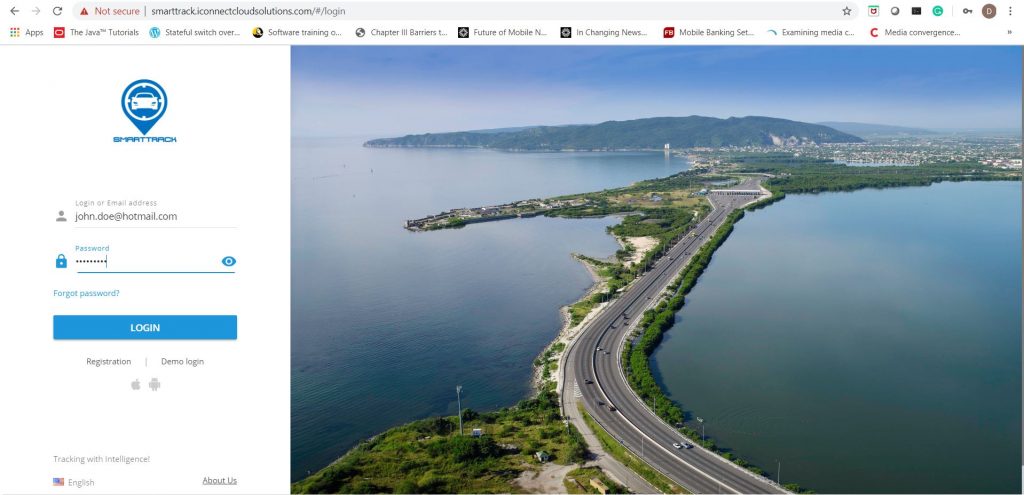
- Visit our website at www.smarttrack.com.co and click “Free Trial” or “Login”
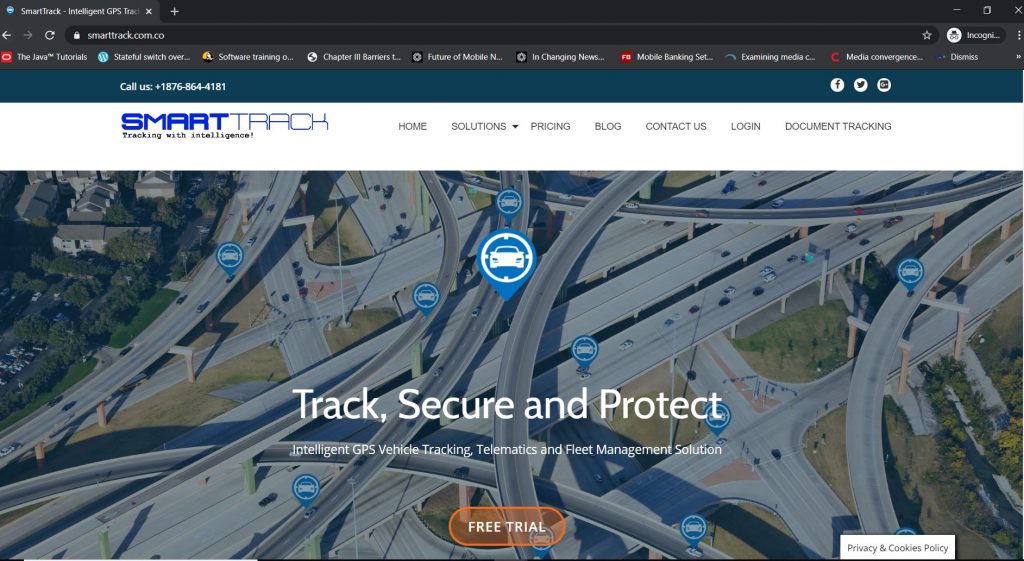
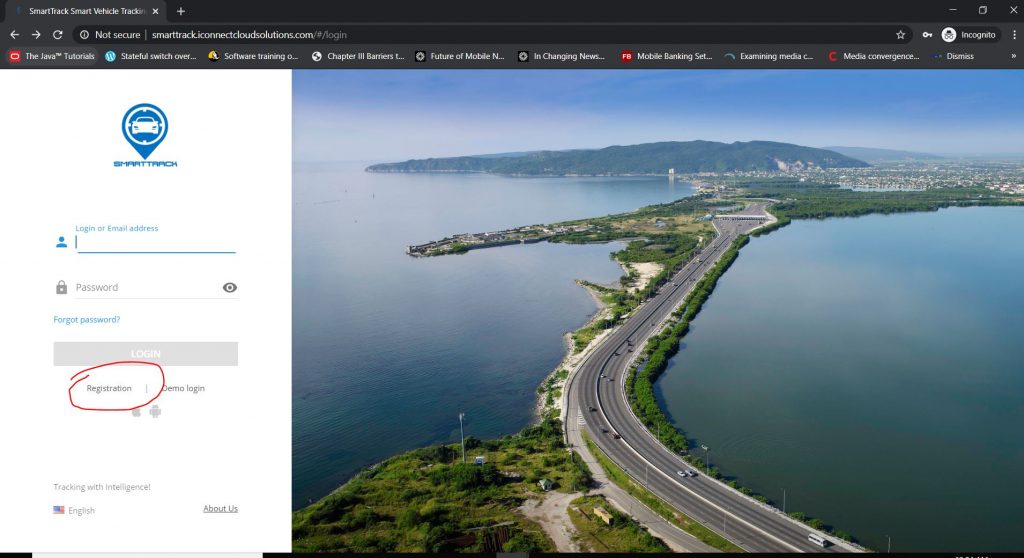
2. Click “Registration”
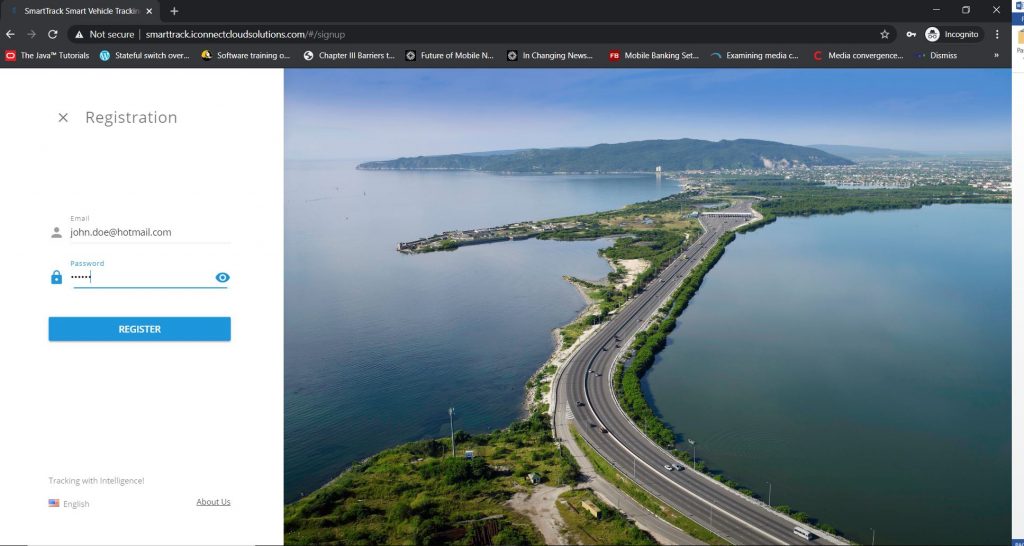
3. Enter your email address and create a password then click “Register”. A verification link will be sent to your email. Click it to verify your email and login.
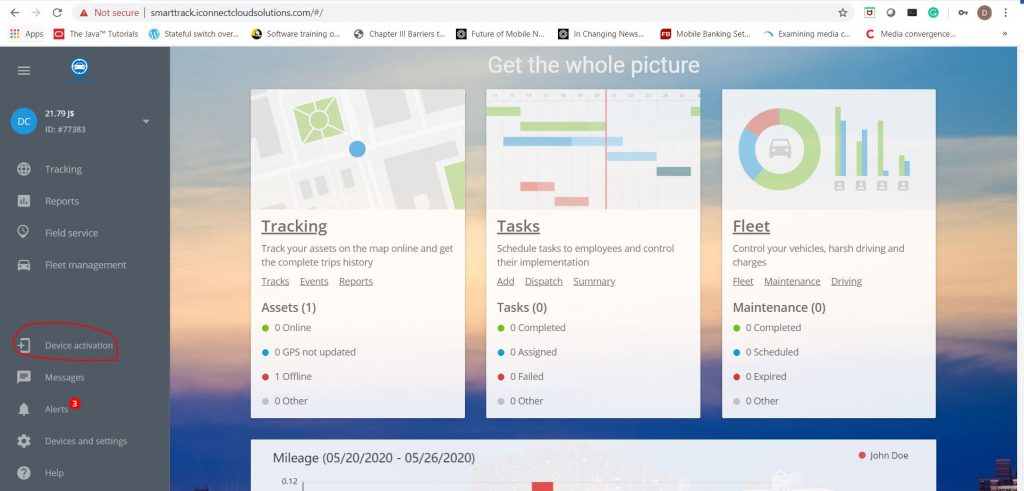
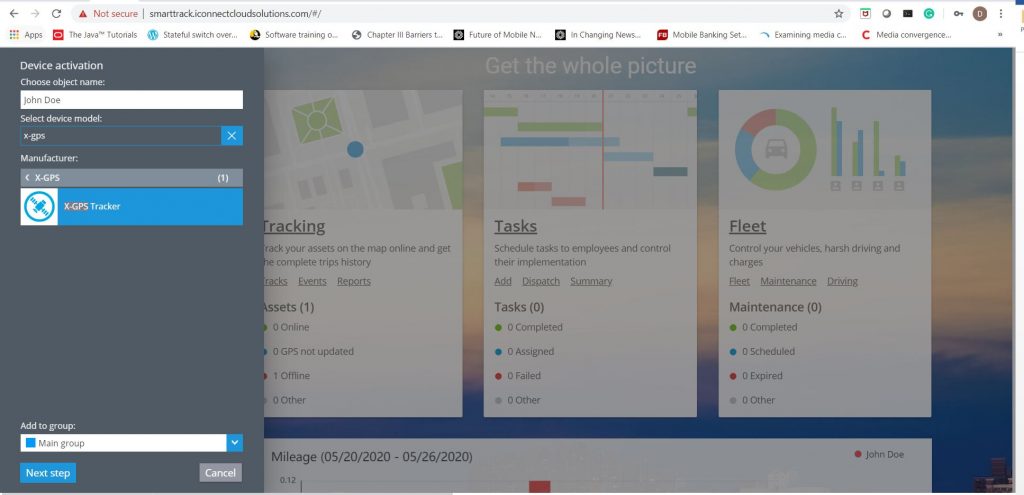
4. Select “Device Activation” to begin the process of registering a mobile phone to be tracked.
5. Type the name to be assigned to the device.
- Type X-GPS Tracker in the “Select device model” search bar
- Select the “X-GPS Tracker” icon then click “Next Step”
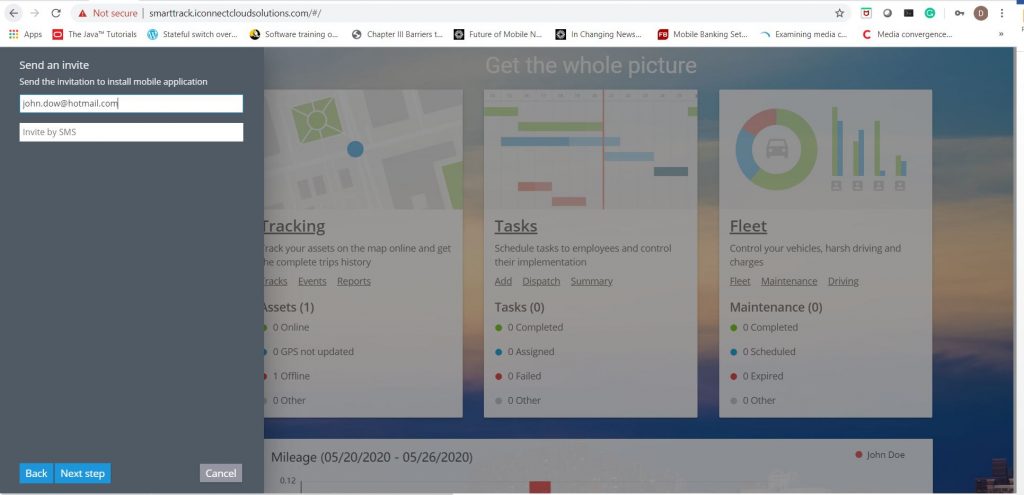
6. Type the email address of the user that will be tracked and click “Next step”
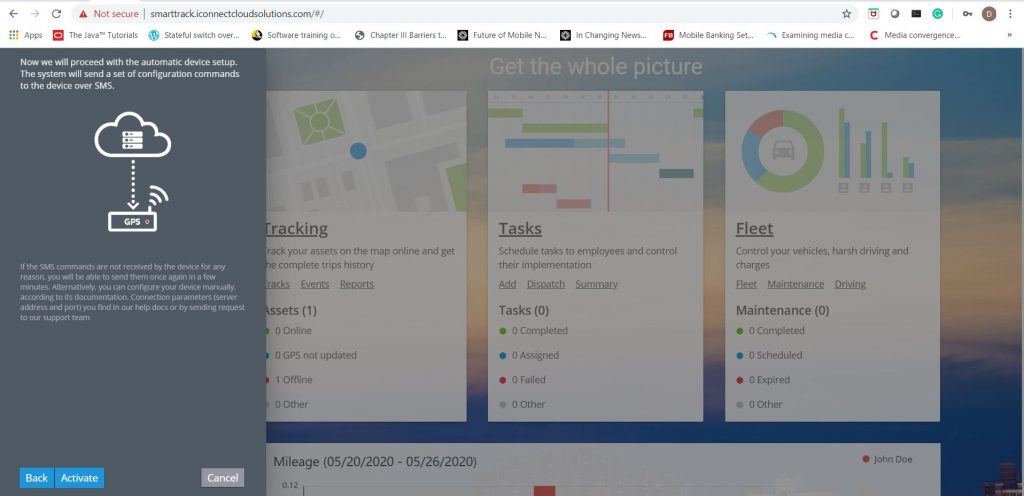
7. Click “Activate” to send the email invitation to the user.
8. Click the link in the verification email. Check you “Junk Mail” if it’s not in your inbox.
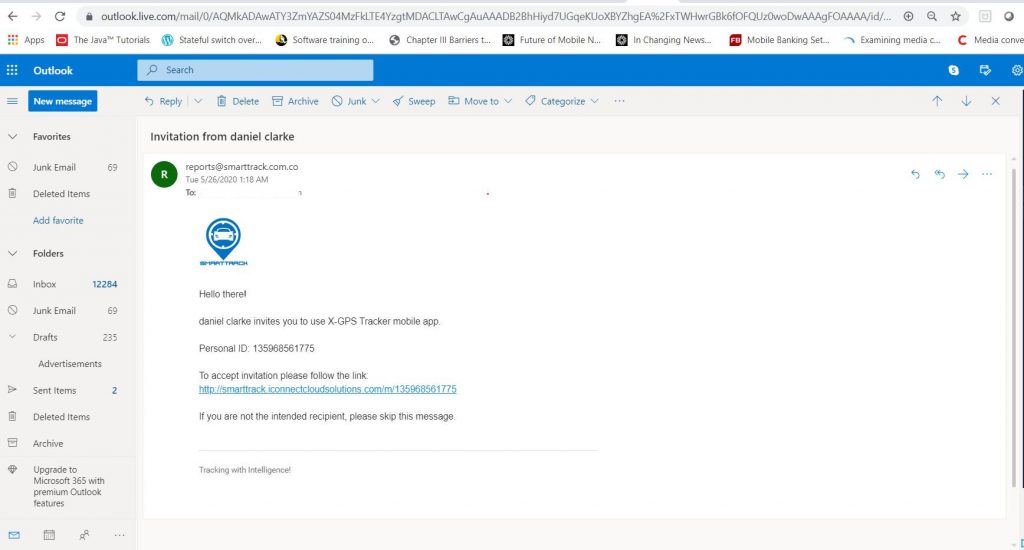
Make note of the registration code as this is needed for a future step.
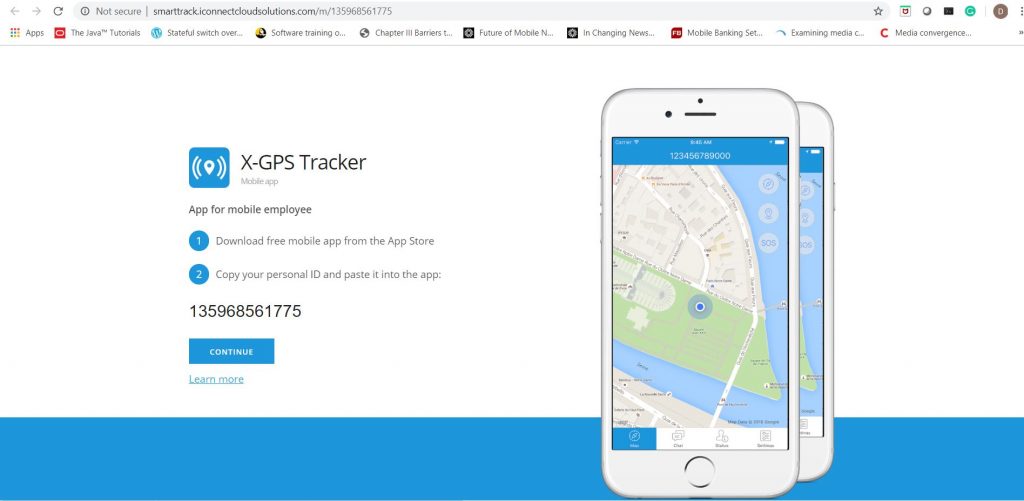
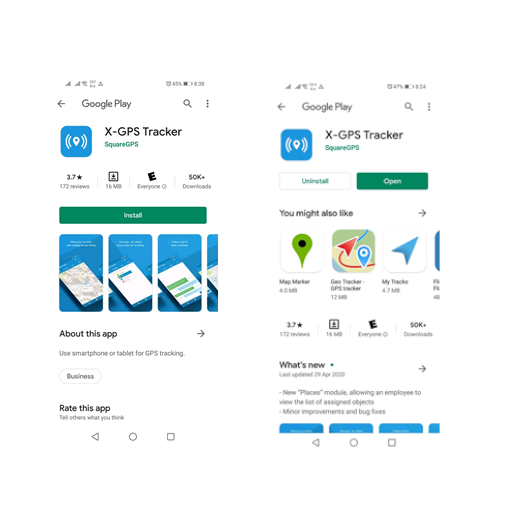
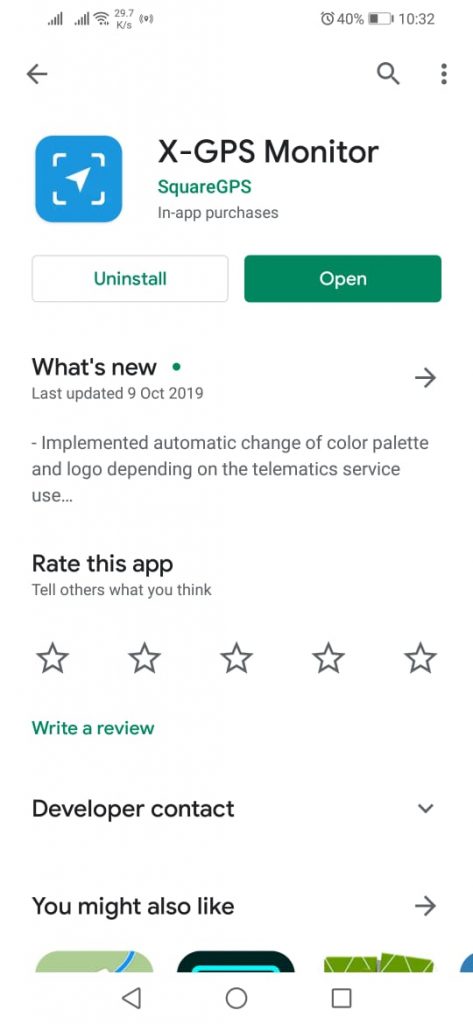
9. Click “Continue” at which point the user will be directed to the PlayStore for android or the App Store to install the X-GPS Monitor Mobile app then click “open”.
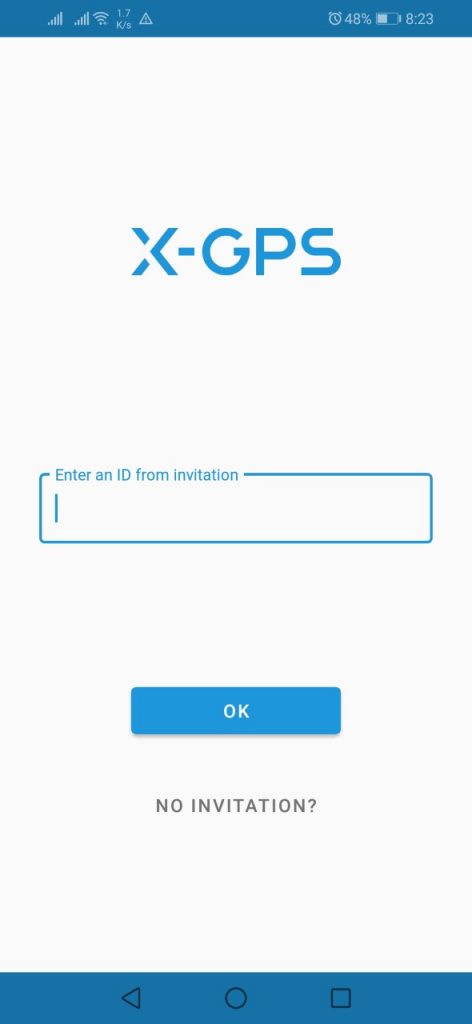
10. Enter the invitation code from the earlier step and click “ok”.
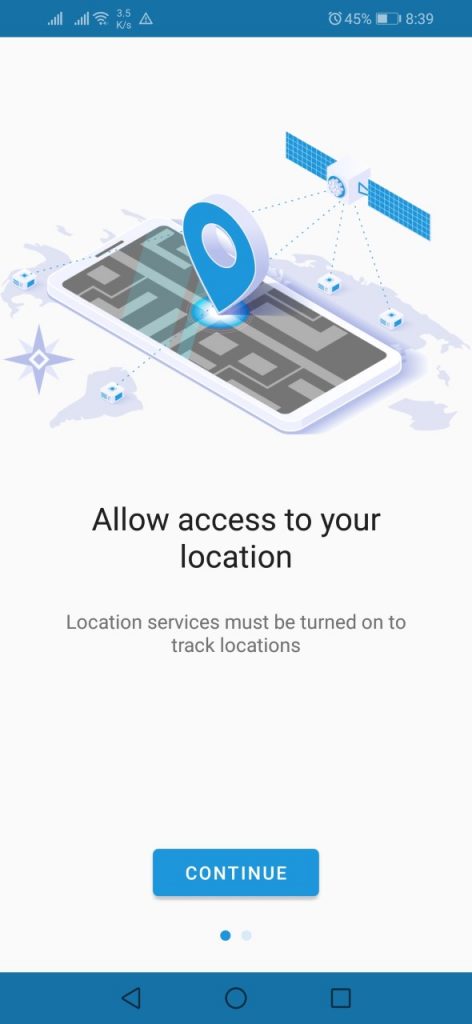
11. Click “Continue” after which you will be prompted to grant permission for app to access you location data.
12. Review the “How to Guide” to get familiar with settings for your particular device.
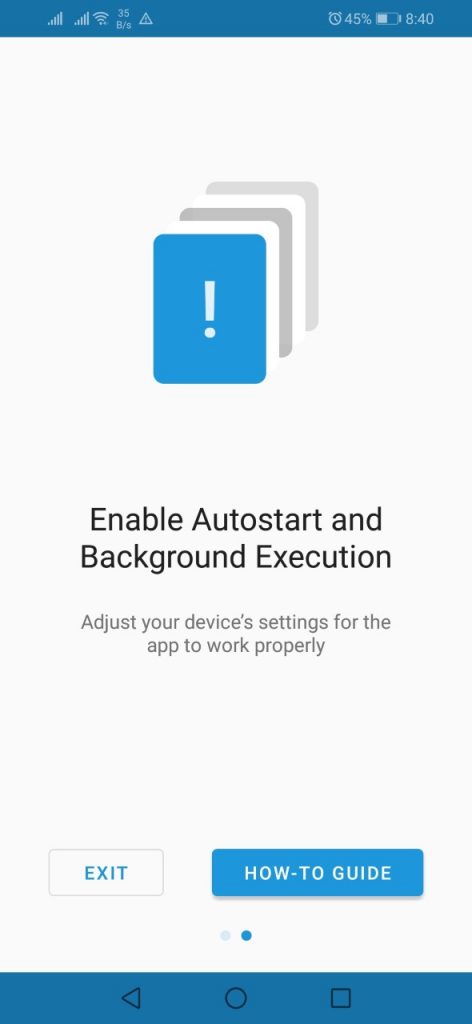
And you are now done!
To start tracking your field worker follow the below steps
Visit the Playstore or App Store and download the “X-GPS Monitor” App. You can also login to from a computer by following Step 1 on this manual.
Login with the username and password that you used to create your account and start tracking!
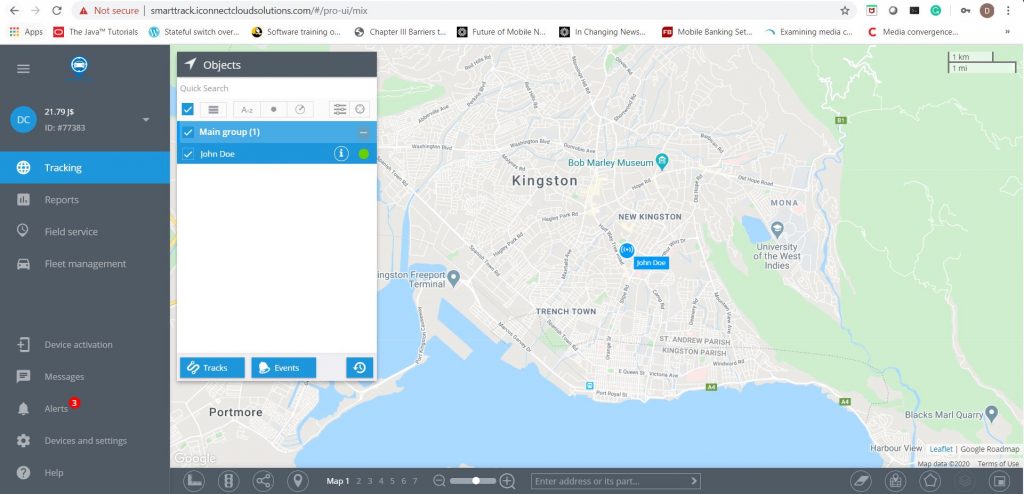

Congratulations you have completed the first step in managing your field workers. Some of the great features you now have access to include:
- Creating customized delivery forms to include electronic signatures and remote document upload
- Schedule and dispatch your field workers and attach the delivery form
- Get instant update as soon as worker arrives at customer sit
- Re-assign tasks to the available field worker
- In-app chat with all field workers
- And many more features
Contact us at info@smarttrack.com.co or 876-864-4181 for more details on how SmartTrack can improve your field worker management.